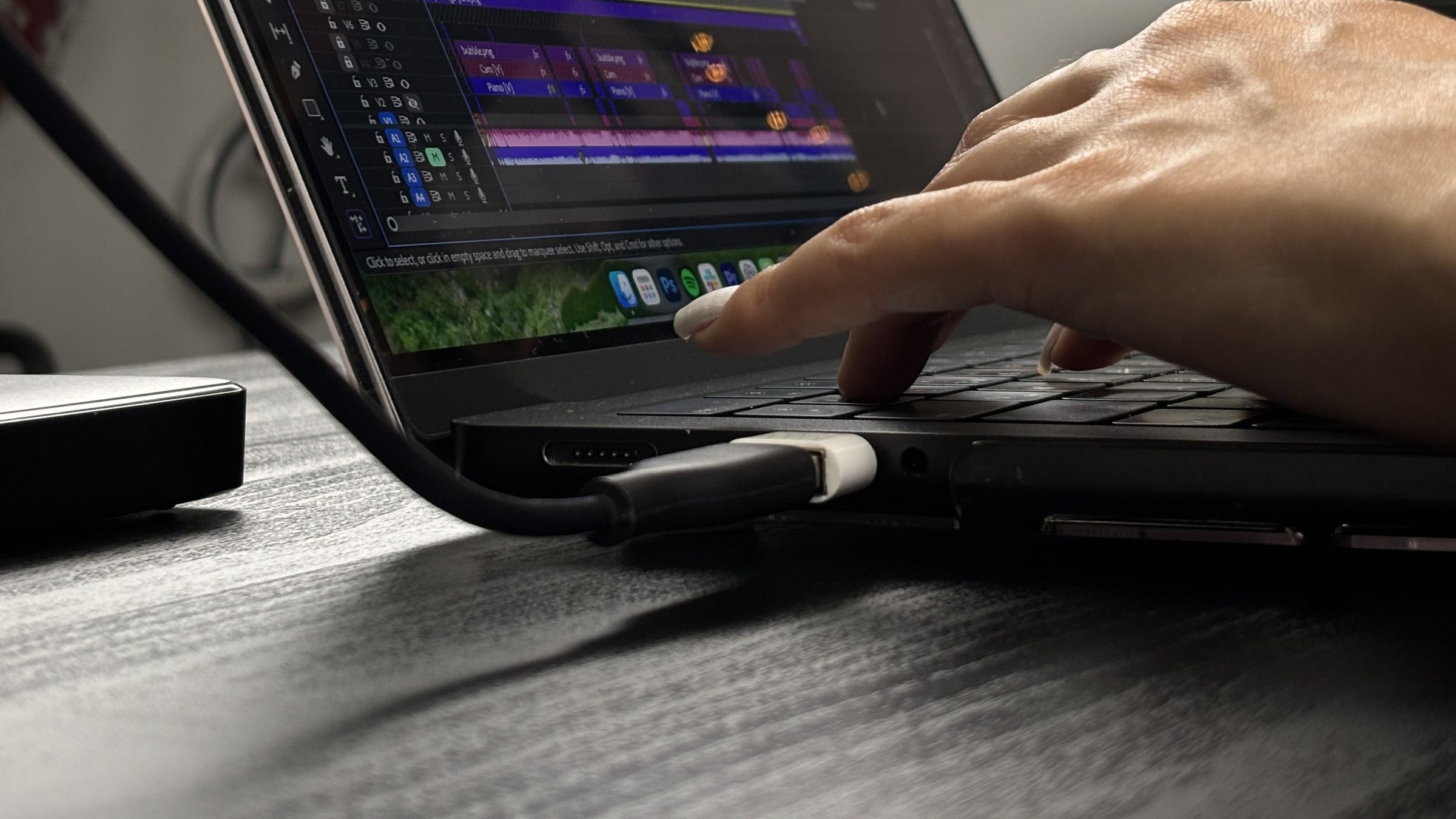
Vertical video editing
A vertical version is built as a second edit of the same material, in its own sequence rather than cropped from the wide one.
The short version
Is this for you? For wide shots squeezed tall and heads cropped at the hairline. Not if your audience watches wide; a vertical cut is a second edit worth paying for only where a brand genuinely lives in the feed.
What leaves your plate. The vertical rebuilt clip by clip, a clean text-free master leaving first so everything else descends from it, and the framing following whatever is actually being used rather than the middle of the frame.
What starts working. A 9:16 cut composed for the phone it will be watched on, and a clean master every later version and every still can be pulled from without opening the edit again.
The smallest way in. A free audit: three fields, and a written reading back, usually within about three working days. It commits you to nothing.
What to read next. The five levels to see where this fits, or the casework to see it done.
Why the vertical version gets its own sequence
The vertical is rebuilt, clip by clip
Every shot is reframed, rescaled and repositioned inside a dedicated 9:16 sequence, and the distances between shots are decided again for the tall frame. What a 9:16 crop already holds is kept; the rest is rebuilt, which on a shoot with more than one camera is most of it. Crop a horizontal timeline instead and you are trusting that a frame composed for a wide rectangle happens to have its subject in the middle third, which on any shoot with more than one camera it does not.
A clean master leaves first
Before a single word goes on, the vertical exports text-free. That version is where the blog stills are lifted from, with a colour preset applied to each frame on the way out, and it is what any later change of wording has to start from. Words burned into the only master are a decision that can never be taken back cheaply.
Shots that survive a wide frame do not always survive a tall one
On one channel, side-angle clips carrying a blown highlight off a white worktop are barred from the short vertical formats outright. In a wide frame the eye has somewhere else to be. At 9:16 the same clip fills a phone and the blowout becomes the loudest thing in it, so the rule is not to grade it harder. The rule is not to use it.
Framing follows whatever is being used
Hands, the bowl, the pan, the board: the active object sits centred and the crop travels with it rather than parking in the middle of the room. Where an angle was designed for a wide format, its moves get rebuilt for the tall one, and the dead space that opens up at the top is softened out instead of being handed a fifth of the screen.
The order a 9:16 version is built in
Copy, rescale, reframe, reposition
The clips move across into a vertical sequence, then scaled and re-composed inside the taller frame, the landscape image repositioned so the subject sits where a 9:16 crop can hold it. Nothing is rotated: turning a landscape shot on its side would lay the people and the horizon over, so what changes is the framing around the subject, not the orientation of the picture. Distances get set a second time, because a cut that read as a clear change of size in the wide version can read as no change at all once both shots have been cropped to the centre.
Safe areas are a hard layout constraint
The top strip, the bottom strip and the right-hand column belong to the platform: profile name, caption, buttons, message box. Nothing of ours goes in them. Feed posts are composed tightly enough to survive the profile grid, which since early 2025 crops to a taller portrait tile, roughly three by four, rather than the old square, and which is the second place every one of these images gets seen and the first place a bad crop is noticed.
One master, several destinations
A full-length vertical, the short cut taken out of it, and the stills lifted from the clean version. All three come off one sequence, so a change to the grade or the framing reaches every format instead of whichever one somebody remembered. Selecting and pacing that short cut, under each brand's own length law, is the Shorts and Reels service; here the job is the master all three formats are taken from.
A crop is a hope that the subject was in the middle. A vertical sequence is a decision, taken once per shot.
Hope is not a framing method, and the middle of a wide shot is rarely where the subject stood.
What changes for you
A 9:16 cut composed for the phone it will be watched on, plus a clean master that every later version and every still can be taken from without opening the edit again.
Related: Shorts and Reels · Subtitles and captions · Colour grading · Delivery and export
Send the channel and we will read the edits themselves: pacing, cuts, consistency across recent videos. The audit names what post-production would change first, in writing, before anything is committed.
Request your free audit.
Three fields, and a written reading back: a fit snapshot, two or three prioritised opportunities, and a recommended next step.
A person reads the channel and writes the audit by hand: a considered read typically takes three working days. That is the usual shape, not a promised turnaround. We use these details only to reply to you: no lists, no lurking.
What you will get
A fit snapshot: where your channel stands, and whether we are a match.
Two to three opportunities: specific, prioritised, yours to keep.
A recommended next step, even if that step is not us.
The audit is free and commits you to nothing: nobody follows up with a call you did not ask for.
The casework shows all of this done.
The case studies are the same work with the numbers, the sources and the dates attached.
See the casework →